Glideep
 Glide
Glide Bubble
 Shopify
 Lovable
 Base44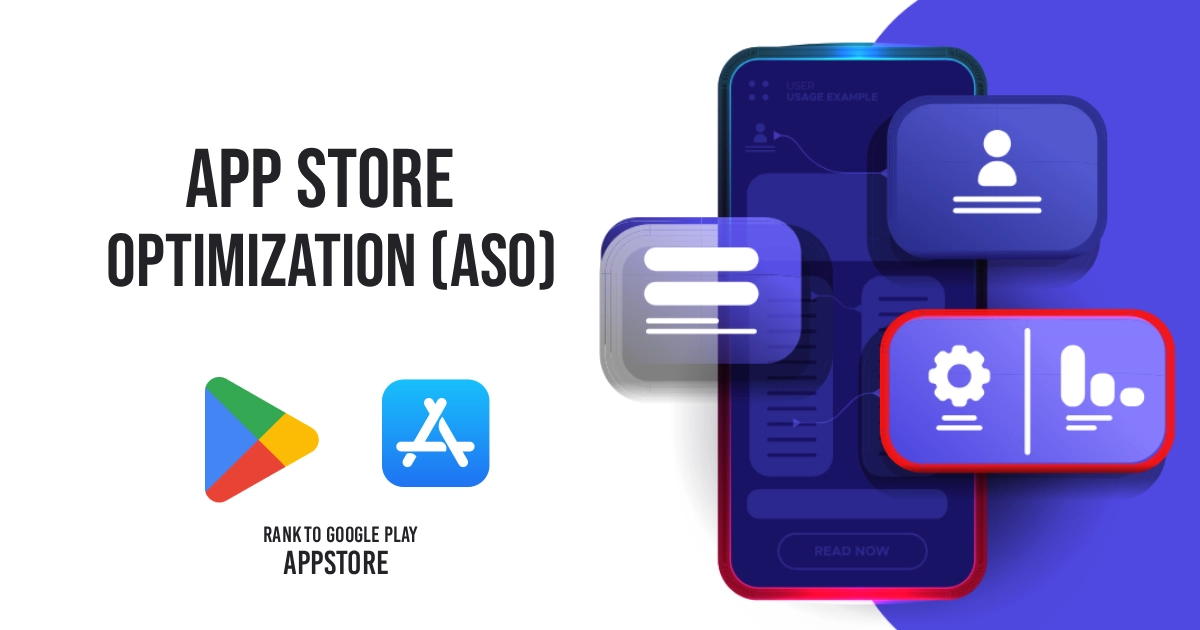
You can build a great app, but if no one can find it in the App Store or Google Play, it won't grow. That's what App Store Optimization (ASO) fixes. Think of it as SEO, but for app stores — and in 2026 it's one of the highest-leverage things you can do after launch. Here's a beginner-friendly guide.
What is ASO?
App Store Optimization is the practice of improving your app's visibility and conversion in the App Store and Google Play. "Visibility" means ranking for the searches people type ("website to app", "store app", your brand). "Conversion" means turning those who see your listing into installs. Good ASO improves both at once.
ASO vs SEO: same idea, different store
If you understand SEO, you already understand ASO. Both are about matching what people search for and earning trust signals. The difference is the platform: SEO targets Google's web results, ASO targets the app stores' own search. The two also support each other — a strong website (and content like this blog) builds the brand searches that lift your app, and a popular app sends trust signals back to your site.
The key ASO ranking factors
- App title & subtitle — your most important keyword real estate. Include what your app does, not just your brand.
- Keywords — the terms your audience searches; Apple has a dedicated keyword field, Google reads your description.
- Icon — a clean, recognisable icon drives taps.
- Screenshots & preview — these do most of the convincing; show real value in the first two.
- Ratings & reviews — higher ratings rank better and convert better.
- Installs & retention — the stores reward apps people download and keep using.
How to optimise your listing
1. Research keywords
List the words your customers would type. Check what competitors rank for. Prioritise terms with real search volume that genuinely describe your app.
2. Write a keyword-rich title and description
Lead with the benefit and your top keyword. Keep it readable — stuffing hurts both ranking and conversion.
3. Nail the visuals
Your icon and first two screenshots decide most installs. Make them clear, branded, and benefit-led.
4. Earn ratings
Prompt happy users to review at the right moment. Ratings are one of the strongest ASO levers.
5. Iterate
ASO isn't one-and-done. Test titles, screenshots and keywords, and watch what moves installs.
ASO for converted (website-to-app) apps
Apps built from a website rank in the stores exactly like any other app — so the same ASO rules apply. The advantage is that your app already has a clear purpose tied to your brand, which makes keyword targeting straightforward. Just make sure the app itself is store-worthy first: a native experience that passes review (see our guide on avoiding App Store rejection 4.2) gives ASO something solid to work with. Want a hand? Glideep offers a free ASO audit to spot quick wins.
Common ASO mistakes to avoid
- Keyword stuffing — cramming keywords hurts readability and conversion without helping rank.
- Ignoring screenshots — your first two screenshots drive most installs; don't treat them as an afterthought.
- Neglecting ratings — low ratings sink both ranking and conversion; actively earn reviews.
- Set-and-forget — ASO is ongoing; the stores and competitors change, so should your listing.
- Blindly copying competitors — learn from them, but differentiate on what makes your app worth installing.
ASO tools and where to start
You don't need expensive software to begin. Start by listing the terms your customers would search, study the top-ranking apps in your category, and write a clear, benefit-led title and description. Then test: swap your first screenshot or subtitle and watch what moves installs. A simple, honest listing that converts beats a keyword-stuffed one every time. If you want a quick head start, grab a free ASO audit to spot the fastest wins — and remember that ASO works best alongside a broader promotion plan.
FAQ
Is ASO free?
The work is mostly free — it's about optimising your listing. You can do the basics yourself; tools and audits help you go further.
How long does ASO take to work?
Listing changes can affect rankings within days to weeks, but ratings and installs compound over months. Treat it as ongoing.
Does ASO help my website SEO?
Indirectly. A strong app and brand presence build the branded searches and trust that support your overall online visibility.
Ready to build your app?
Turn your website into a native iOS & Android app in minutes — no code, no Mac needed.
Start for free →