Glideep
 Glide
Glide Bubble
 Shopify
 Lovable
 Base44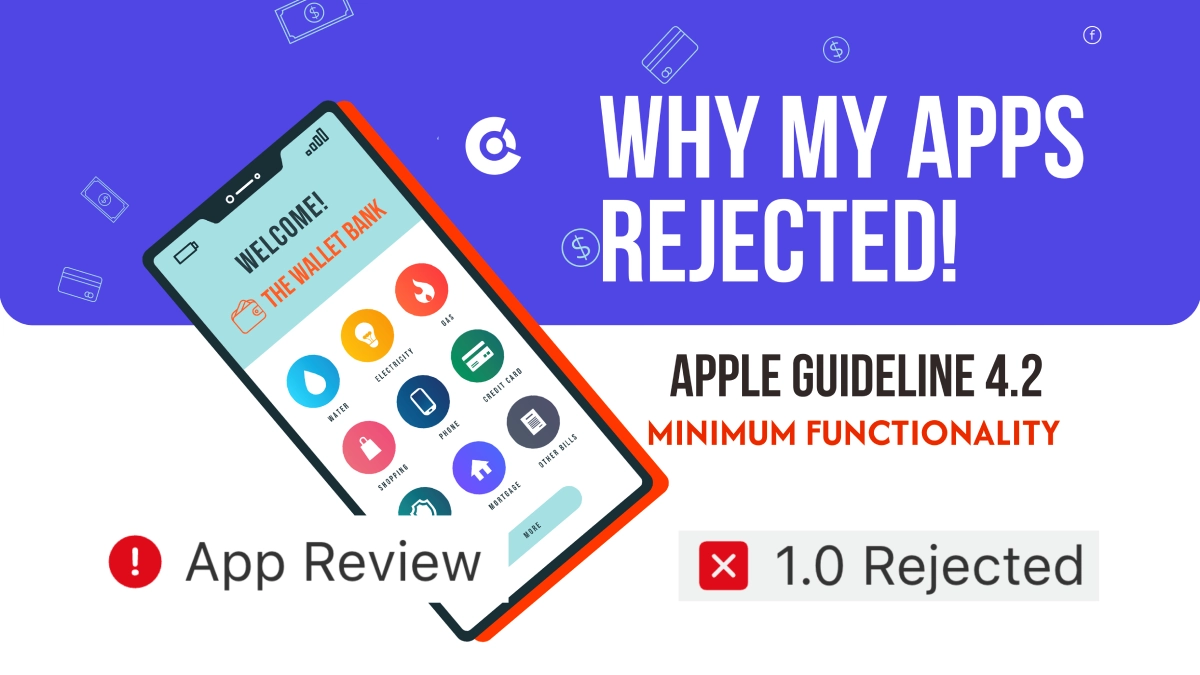
Few things are more frustrating than building an app, submitting it to Apple, and getting hit with a rejection citing Guideline 4.2 — Minimum Functionality. It's the most common reason "website-to-app" projects get bounced, and it's why a lot of people wrongly assume converted apps simply aren't allowed in the App Store. They are — but only if the app actually feels like an app. Here's what 4.2 really means, why bare website wrappers fail it, and how Glideep is built specifically to pass it.
What is App Store Guideline 4.2?
Apple's Guideline 4.2 requires that apps "include features, content, and UI that elevate it beyond a repackaged website." In plain English: if your app is nothing more than your website loaded inside a frame — no native interface, no app-like experience, nothing a user couldn't get by opening Safari — Apple will reject it. The bar isn't "is this technically an app?" It's "does this feel like a native app worth being in the store?"
Why "just a website" apps get rejected
The cheapest, most basic website-to-app tools do exactly one thing: they drop your site into a WebView and ship it. There's no onboarding, no native home screen, no native navigation — you open the app and it's your website, full stop. To a reviewer that's a textbook 4.2 violation, because the app adds nothing beyond what the mobile browser already does.
This is the trap. People pick the cheapest wrapper, get rejected, and conclude the whole approach is broken. The real problem isn't converting a website — it's converting it badly, with no native layer on top.
The fix: an app has to feel like an app
Passing 4.2 isn't about hiding that your content comes from the web. It's about wrapping that content in a genuine native experience — the screens, navigation, and features users expect the moment they open an app. Done right, a converted app is indistinguishable from one built natively, and reviewers treat it that way. The difference between rejection and approval is almost entirely the native UI layer.
How Glideep is built to pass 4.2 — native UI by design
This is exactly where Glideep is different from a basic wrapper. Instead of just framing your website, Glideep layers a real native interface around it — no HTML or design work required from you. These are the pieces reviewers look for:
Native onboarding flow
Multi-page native onboarding screens with your own images, titles, and button labels greet users on first launch (or every launch, your choice). It's the first thing a reviewer sees — and it immediately signals "this is an app," not a web page.
Pre-built native home screen
Choose from multiple native home-screen templates — product cards, hero images, CTA buttons, category labels — all rendered natively, with no HTML required. This gives the app a real app-style landing experience that exists independently of your website, which is precisely the "UI that elevates it beyond a website" Apple asks for.
Native navigation
Glideep gives users the smooth, familiar native navigation patterns they expect — tab bars and menus that behave like a real app, not browser back-and-forward. Native chrome around your content is one of the strongest signals that an app clears the 4.2 bar.
Built-in native features
On top of the UI, every Glideep app ships with push notifications, biometric login, offline cache, and deep links. Each one is functionality a website in a browser can't replicate — and stacking them is what makes review smooth. You can see the full feature set here.
Why this makes Glideep different
Most converters leave the "make it feel native" work to you — assuming you even know that's what's needed. Glideep bakes it in. The native onboarding, the pre-built home screen, the native navigation, and the built-in native features mean your app looks and behaves like a modern, high-quality native app from a simple website — with no design or coding effort on your part. That's the whole point: you shouldn't need a development team to clear Apple's review, and with Glideep you don't.
If you're weighing tools, our comparison of website-to-app converters breaks down which ones include this native layer and which leave you exposed to 4.2.
Your pre-submission checklist
Before you hit submit, make sure your app has:
- A native onboarding flow on first launch.
- A native home screen that isn't just your website's homepage.
- Native navigation (tab bar or native menu).
- Push notifications enabled.
- Offline support so the app degrades gracefully without a connection.
- A polished icon, splash screen, and store description that highlight the native features.
Tick all of those and a 4.2 rejection becomes very unlikely. New to the process? Start with our guide to turning a website into an app, and consider a quick ASO audit before you submit.
FAQ
Are website-to-app (WebView) apps allowed on the App Store?
Yes. Apple allows apps that use web content, as long as they add native value — onboarding, a native interface, push notifications, and offline support. Bare wrappers with none of that are what get rejected under 4.2.
How do I avoid a Guideline 4.2 rejection?
Add a genuine native layer: native onboarding, a native home screen, native navigation, and features like push and offline. Glideep includes all of these by default.
Will my Glideep app get rejected for 4.2?
It's built to avoid it. Because Glideep adds native onboarding, a pre-built native home screen, native navigation, and built-in native features, your app reads as a real native app to reviewers — not a repackaged website.
Do I need to design these native screens myself?
No. Glideep's onboarding and home-screen templates are pre-built and configured with your own images and text — no HTML, design, or code required.
Ready to build your app?
Turn your website into a native iOS & Android app in minutes — no code, no Mac needed.
Start for free →