Glideep
 Glide
Glide Bubble
 Shopify
 Lovable
 Base44
Turning your website into a mobile app used to mean hiring developers, learning Swift and Kotlin, and waiting months for a build. In 2026 it takes minutes. If you already have a website, you already have 90% of an app — you just need to wrap it in a native shell, add a few mobile features, and publish to the stores. This guide walks through exactly how to do that, no code required.
Why turn your website into an app at all
A mobile app does things a mobile website simply can't. It puts a tappable icon on the home screen, sends push notifications straight to the lock screen, works offline, and unlocks native features like biometric login and the camera. Apps also convert better: returning users open an app far more often than they re-type a URL, and a presence in the App Store and Google Play is a trust signal in itself.
For most businesses the goal isn't to rebuild everything — it's to give the website you already have a real app experience. That's where website-to-app converters come in.
What you'll need (almost nothing)
- A live website with an HTTPS URL.
- App icons and a name (you can change these any time).
- Developer accounts: Apple Developer ($99/yr) and Google Play ($25 one-time) if you want to publish under your own name.
You do not need a Mac, Xcode, Android Studio, or any coding knowledge when you use a no-code platform. If you want the full breakdown of the tools available, see our roundup of the best website-to-app converters in 2026.
Website to app in 5 steps
1. Paste your website URL
Start by giving the converter your live site address. There's nothing to migrate or re-theme — your existing site powers the app, so any change you make on the web instantly appears in the app too.
2. Brand the app
Set the app name, icon, splash screen, and theme colors. This is what users see in the stores and on their home screen, so make it match your brand.
3. Turn on native features
Enable push notifications, biometric login, offline caching, and deep links. With a good platform these are toggles, not code.
4. Preview on a real device
Scan a QR code to load the app on your own phone before you build. What you see is what ships.
5. Build and publish
Generate signed iOS and Android builds and submit them to the App Store and Google Play — or have the platform submit for you. That's the whole process.
Native features you get out of the box
A modern converter doesn't just show your site in a frame. It layers real mobile capabilities on top:
- Push notifications — re-engage users with offers and updates.
- Biometric login — Face ID and fingerprint unlock.
- Offline cache — key screens still work on flaky connections.
- Deep links — open a specific screen from a link or notification.
Building for a specific stack? We have dedicated guides for Shopify, WordPress, Bubble and 20+ other platforms.
How a website-to-app converter actually works
Under the hood, a converter wraps your website in a thin native container — often called a WebView — and then adds native modules around it. Your site's HTML, CSS, and JavaScript run inside that container exactly as they do in a browser, but the app can now talk to the phone: send notifications, read biometrics, cache pages, and respond to deep links. Because your live site powers the content, you maintain one codebase (your website) and the app stays in sync automatically.
This is why the approach is so efficient. You're not rebuilding your product in Swift and Kotlin and then keeping three versions in sync forever. You're giving the website you already maintain a native wrapper plus the mobile capabilities users expect.
Will the app be approved on the App Store and Google Play?
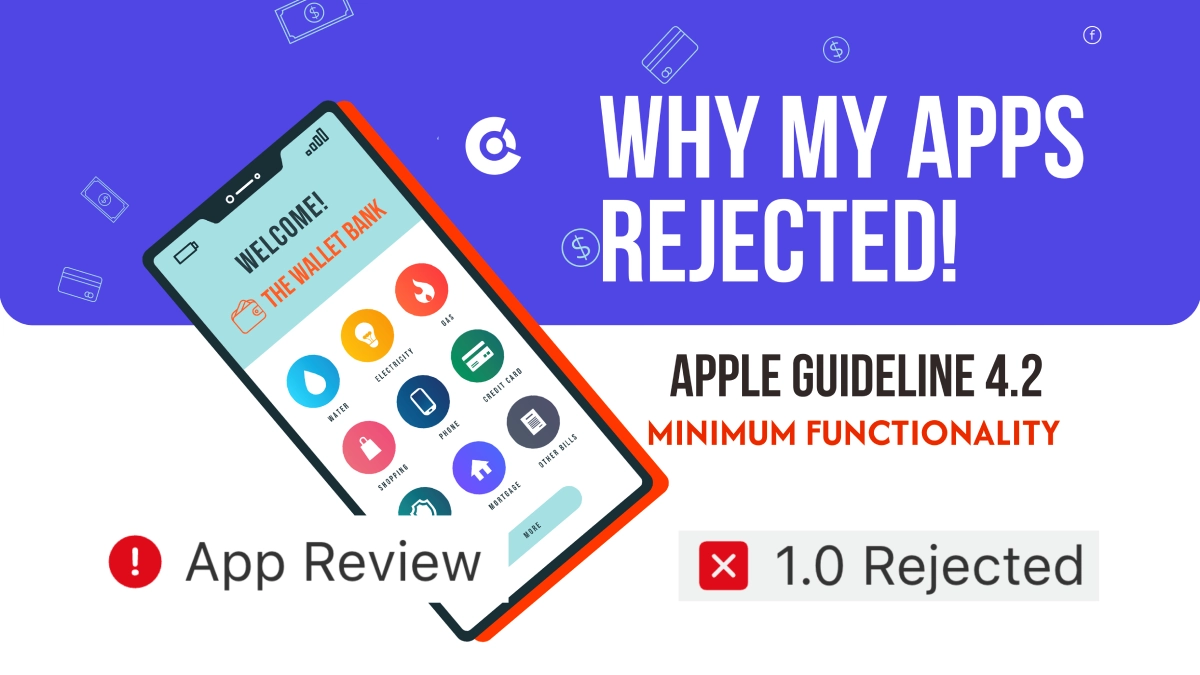
Yes — as long as the app adds genuine native value. Both Apple and Google reject apps that are nothing more than a bookmark (Apple's guideline 4.2 is the one people trip over). The fix is simple: ship with push notifications, offline support, and a real native experience (all included in a good converter), and your app reads as a proper app, not a repackaged web page. Platforms that produce signed, store-ready builds and handle the submission paperwork make this part painless.
A few practical tips that smooth review: use a polished icon and splash screen, make sure no broken links or login walls block the reviewer, and write a clear App Store description that highlights the native features. If you want a second pair of eyes, a quick ASO audit before submission catches most issues.
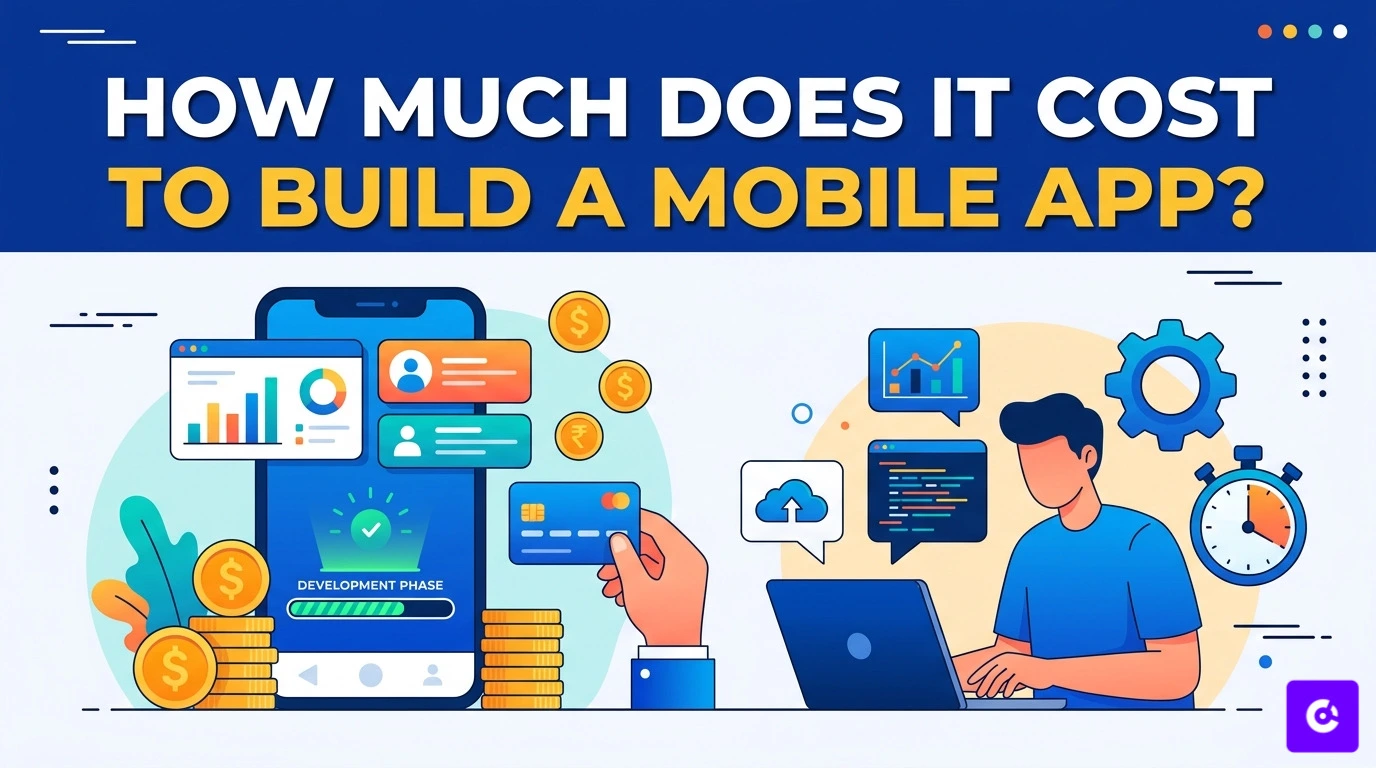
How much does it cost to build the app?
Costs fall into two buckets: the platform and the store fees. Store fees are fixed — $99/yr for Apple, $25 once for Google. Platform pricing is where tools differ wildly:
- Free / freemium — start at no cost (Glideep), ideal for testing the waters.
- One-time license — a single fee per app, but you do the technical work yourself.
- Premium managed — hundreds of dollars per month for a done-for-you service.
The cheapest headline price isn't always the cheapest in practice — a low one-time fee can cost you days of your own time. We weigh the real, all-in cost of each option in our 2026 converter comparison.
Common mistakes to avoid
- Skipping native features — a bare WebView wrapper risks rejection. Always enable push and offline.
- Forgetting deep links — without them, notifications can't open the right screen.
- Ignoring the icon and splash — first impressions in the store matter.
- Choosing a tool you'll outgrow — check pricing and limits before you commit. Compare options first.
Frequently asked questions
How long does it take to convert a website to an app?
With a no-code platform, the initial build takes minutes. Store review (mainly Apple) usually adds one to three days.
Do I need to know how to code?
No. No-code converters handle everything from signing to submission. You only need your website and your branding.
How much does it cost?
It ranges from free to thousands per year depending on the tool. You can see Glideep's pricing here and compare it against other tools.
Ready to build your app?
Turn your website into a native iOS & Android app in minutes — no code, no Mac needed.
Start for free →