Glideep
 Glide
Glide Bubble
 Shopify
 Lovable
 Base44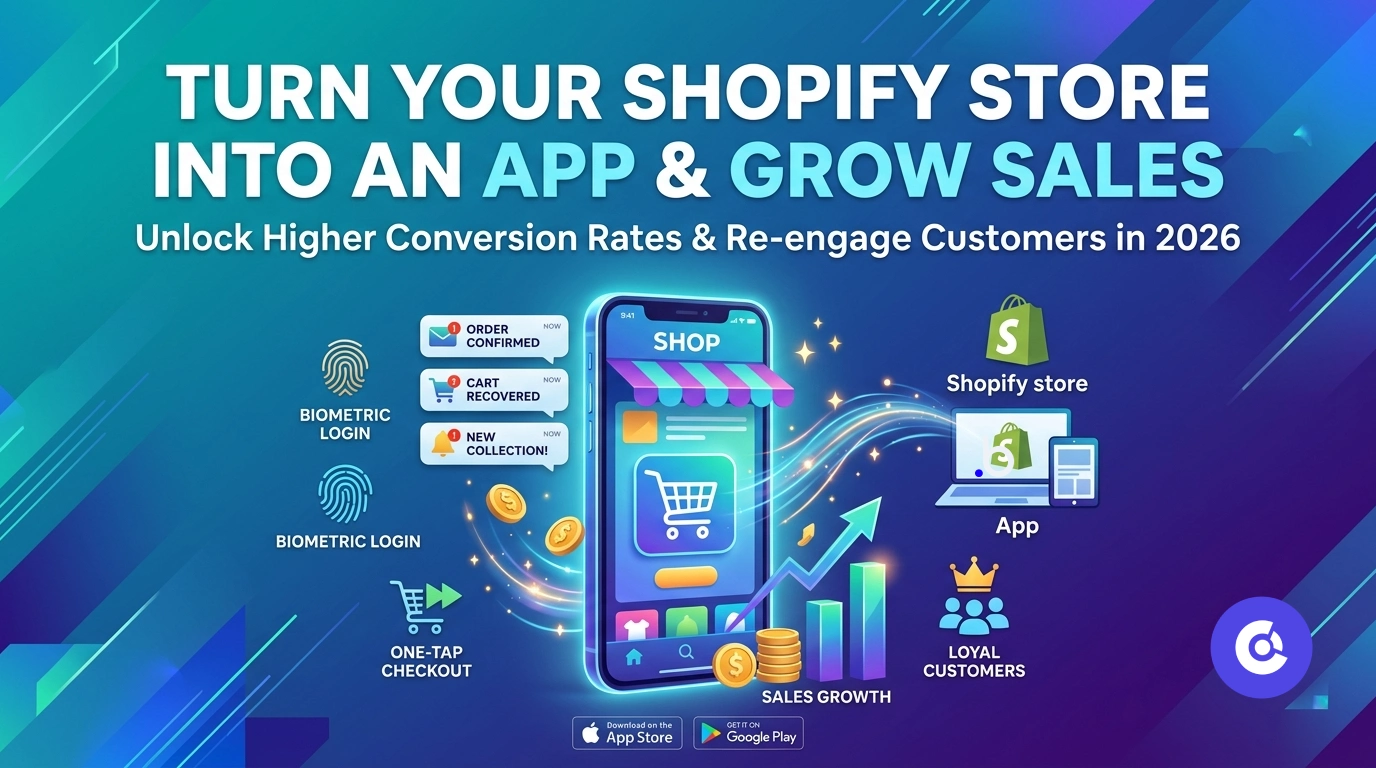
Your Shopify store works hard on the web — but mobile web shoppers are distracted, slow to return, and easy to lose. A mobile app fixes that. With a home-screen icon, push notifications and faster repeat checkout, a Shopify app turns one-time browsers into loyal, repeat buyers. Here's how to launch one and grow your sales in 2026.
Why your Shopify store needs an app
Mobile commerce keeps growing, but mobile web has a weakness: shoppers leave and don't come back. An app solves the three biggest leaks — it keeps you one tap away on the home screen, lets you recover abandoned carts with push notifications, and speeds up repeat checkout with saved sessions and biometric login. App shoppers reliably convert better than mobile web.
How to turn your Shopify store into an app
You don't touch your theme or migrate anything. A converter wraps your live store:
- Copy your Shopify store URL.
- Paste it into a no-code converter like Glideep.
- Set your icon, splash, native onboarding and home screen.
- Generate iOS and Android builds and publish to the stores.
Your full Shopify checkout, discounts and accounts work exactly as they do on the web. See our dedicated Shopify to app page for the details.
How an app grows your sales
The revenue comes from re-engagement. Push notifications announce drops, recover abandoned carts and bring back-in-stock alerts straight to a shopper's lock screen — open rates leave email far behind. Combine that with faster checkout and a permanent home-screen presence, and repeat-purchase rates climb. Learn the mechanics in our push notifications guide.
Reaching new shoppers
Beyond your existing customers, an App Store and Google Play listing puts your store in front of people browsing the stores. Pair it with ASO and a promotion plan to turn discovery into installs and installs into orders.
Why app shoppers convert better
It isn't just a hunch — app shoppers consistently outperform mobile-web shoppers on the metrics that matter. A saved session means no re-login and no re-typing card details, so checkout is faster. A home-screen icon removes the "find the URL" friction that kills mobile-web return visits. And because the app is a deliberate install, those users are usually your most engaged customers to begin with. Faster checkout plus lower friction plus a more committed audience adds up to higher conversion and higher repeat-purchase rates.
Features that drive Shopify app revenue
The sales lift comes from features your mobile site can't match:
- Abandoned-cart push — recover lost sales with a tap-through reminder instead of an ignored email.
- Drop & restock alerts — notify shoppers the moment something launches or comes back in stock.
- One-tap repeat checkout — biometric login and saved sessions make re-ordering effortless.
- Order tracking — push updates keep customers informed and coming back into the app.
- Home-screen loyalty — a permanent icon keeps your store top of mind between purchases.
Turn these on from day one and your app becomes a revenue channel, not just a second storefront. The biggest lever is push — learn to use it well in our push notifications guide, and see the wider growth picture in how to get 10x more users.
FAQ
Can I turn my Shopify store into an app without coding?
Yes. A no-code converter wraps your live Shopify store in a native iOS and Android app — no theme changes or migration.
Does Shopify checkout work inside the app?
Yes. Your real checkout, payments, discount codes and accounts all work inside the app.
How does an app increase Shopify sales?
Through push-driven cart recovery and re-engagement, faster repeat checkout, and a home-screen presence that keeps you top of mind.
Ready to build your app?
Turn your website into a native iOS & Android app in minutes — no code, no Mac needed.
Start for free →