Glideep
 Glide
Glide Bubble
 Shopify
 Lovable
 Base44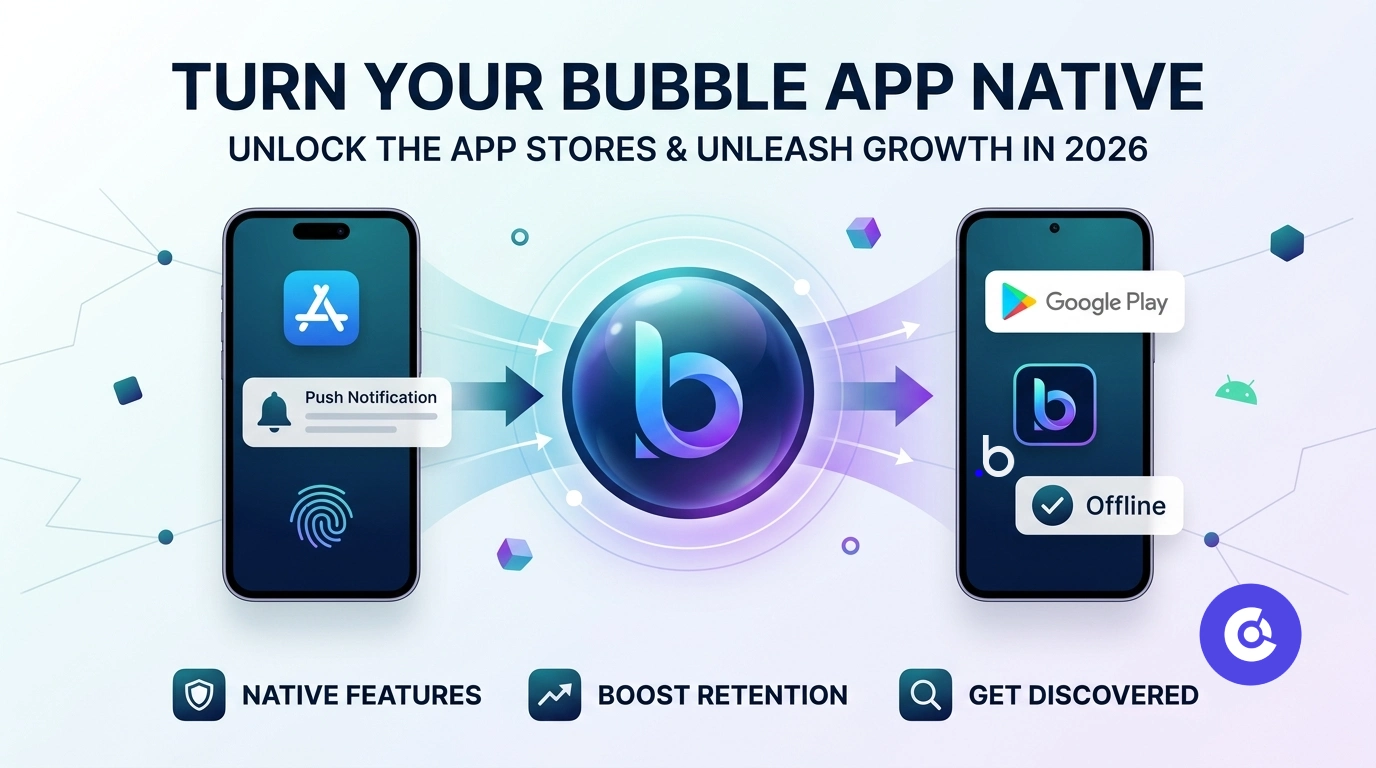
Bubble lets you build powerful web apps without code — but a Bubble app in the browser misses out on everything that makes mobile apps sticky: push notifications, a home-screen icon, offline access, and app-store discovery. Turning your Bubble app into a native app unlocks all of it. Here's how, and why it's worth doing in 2026.
Why turn your Bubble app into a native app?
Your Bubble app already has the logic, data and design. What it lacks is native distribution and re-engagement. A native app puts you on the App Store and Google Play — billions of searches — and lets you send push notifications that bring users back far more reliably than email. For any Bubble product that depends on repeat use, that's a major growth unlock.
How to convert your Bubble app
No native development required. A converter wraps your live Bubble app:
- Deploy your Bubble app to live and copy the URL.
- Paste it into a no-code converter like Glideep.
- Customise the icon, splash, native onboarding and home screen.
- Build signed iOS and Android apps and submit to the stores.
Full details on our Bubble to app page, with the general steps in our website-to-app guide.
Native features your Bubble app gains
Your wrapped Bubble app gets push notifications, biometric login, offline cache and deep links — plus the native onboarding and home screen that help it sail through App Store review (see our Guideline 4.2 guide). Your Bubble backend keeps powering everything; the app is just a native window onto it.
Growing your Bubble app's user base
With a store listing and push, your Bubble app gains two growth channels at once — discovery and retention. Layer on ASO and a promotion plan, and a browser-only Bubble app becomes a real mobile product people find, install and return to.
Which Bubble apps benefit most from going native
Bubble's flexibility means it powers everything from marketplaces to full SaaS products — and the ones that gain most from a native app are those with repeat usage: marketplaces and directories, social and community apps, SaaS dashboards, and booking or on-demand platforms. For any of these, push notifications and a home-screen presence directly lift engagement and retention in ways a browser tab never will.
Preparing your Bubble app for the stores
- Make it responsive — ensure your Bubble pages render cleanly at mobile width.
- Confirm auth works — test login and sessions inside the native wrapper before submitting.
- Add native onboarding and a home screen — this is what makes reviewers see a real app, not a wrapped page (see our Guideline 4.2 guide).
- Enable push and deep links — the core of re-engagement.
- Publish a privacy policy — required by both Apple and Google.
After launch, drive installs and retention with ASO and a promotion plan.
FAQ
Can I publish a Bubble app to the App Store and Google Play?
Yes. A no-code converter wraps your live Bubble app in native iOS and Android apps you can submit to both stores.
Do I need to rebuild my Bubble app natively?
No. Your existing Bubble app powers the native app — there's nothing to rebuild.
Does the native Bubble app support push notifications?
Yes. Converting adds native push notifications, deep links, biometrics and offline support.
Ready to build your app?
Turn your website into a native iOS & Android app in minutes — no code, no Mac needed.
Start for free →