Glideep
 Glide
Glide Bubble
 Shopify
 Lovable
 Base44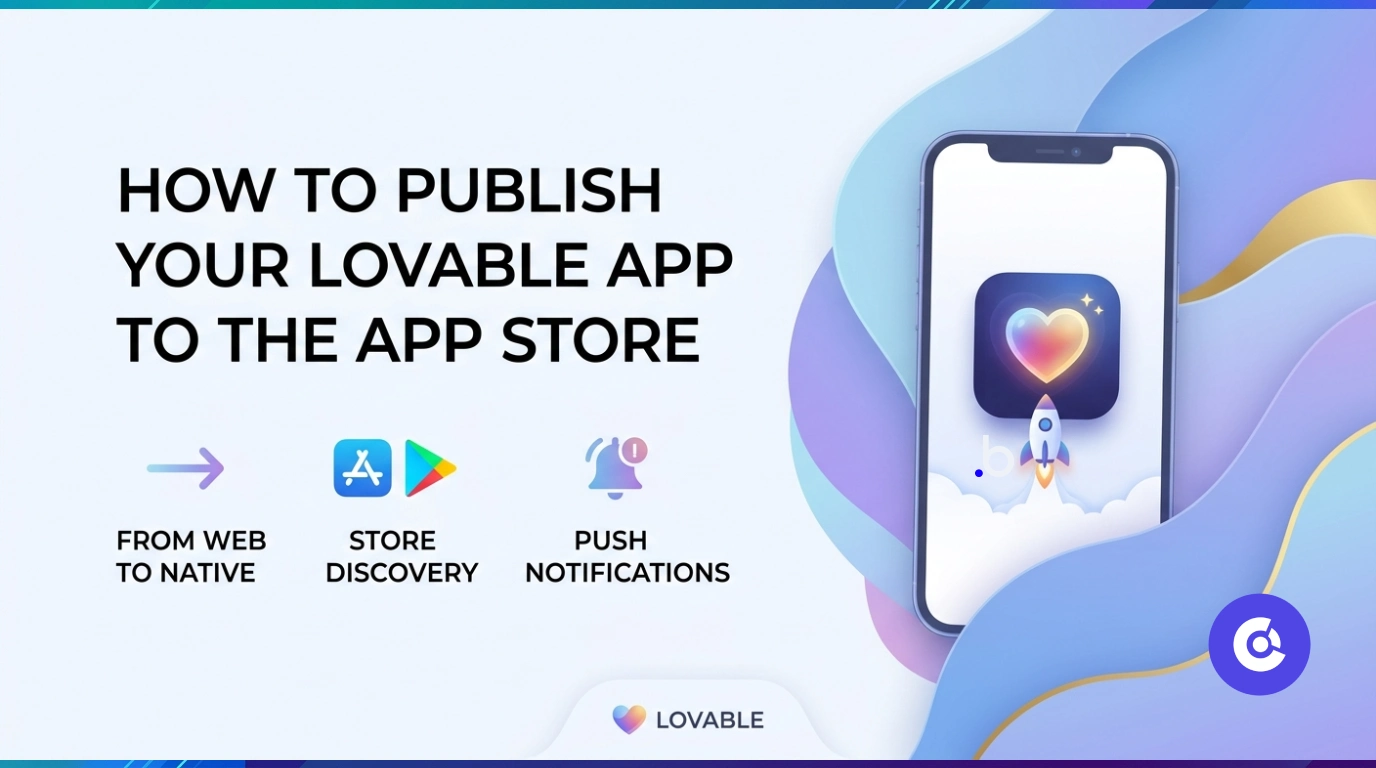
Lovable lets you build polished web apps with AI in record time — but those apps run in the browser. To put your Lovable app on the App Store and Google Play, with push notifications and a home-screen icon, you need to turn it into a native app. Here's how to do it without writing any native code.
Why publish your Lovable app to the app stores?
A Lovable app shared as a URL relies on people remembering a link. A native app gives you store discoverability, push notifications, offline access and a permanent home-screen presence — the things that turn a clever web app into a product people actually keep using. For any Lovable app aiming for real adoption, the stores are where the users are.
How to convert your Lovable app
No rebuild, no Xcode. A converter wraps your deployed Lovable app:
- Publish your Lovable app and copy its live URL.
- Paste it into a no-code converter like Glideep.
- Add your icon, splash, native onboarding and home screen.
- Generate signed iOS and Android builds and submit to the stores.
See the full process on our Lovable to app page, or the general website-to-app guide.
What your Lovable app gains
Wrapping your Lovable app adds push notifications, biometric login, offline cache and deep links, plus the native onboarding and home screen that help it pass App Store review (see our Guideline 4.2 guide). Your Lovable app keeps powering the experience inside a native shell.
Growing your user base
With a store listing and push notifications, your Lovable app gains discovery and retention at once. Add ASO and you have a real distribution engine instead of a link you have to share manually.
What to check before you publish your Lovable app
A few quick checks make App Store and Google Play review go smoothly:
- Responsive design — confirm your Lovable app looks right at phone width.
- Working authentication — test sign-in inside the native wrapper, not just the browser.
- Native onboarding and home screen — these give your app a genuine native layer so it passes review (see our App Store 4.2 guide).
- Store assets — a polished icon, screenshots and description ready to go.
- Privacy policy — both stores require one.
After you publish: growing your Lovable app
Publishing is the start. To actually grow, optimise your store listing so people find you (ASO guide), turn on push notifications to bring users back, and promote across your own channels (how to promote your app). That combination turns a link-shared Lovable app into a discoverable, re-engageable product.
FAQ
Can I publish a Lovable app to the App Store?
Yes. A no-code converter wraps your live Lovable app in native iOS and Android apps ready for both stores.
Do I need to code to convert my Lovable app?
No. The process is fully no-code — paste your Lovable app URL, customise, and publish.
Does the native Lovable app support push?
Yes. Converting adds native push notifications, deep links, biometrics and offline support.
Ready to build your app?
Turn your website into a native iOS & Android app in minutes — no code, no Mac needed.
Start for free →