Glideep
 Glide
Glide Bubble
 Shopify
 Lovable
 Base44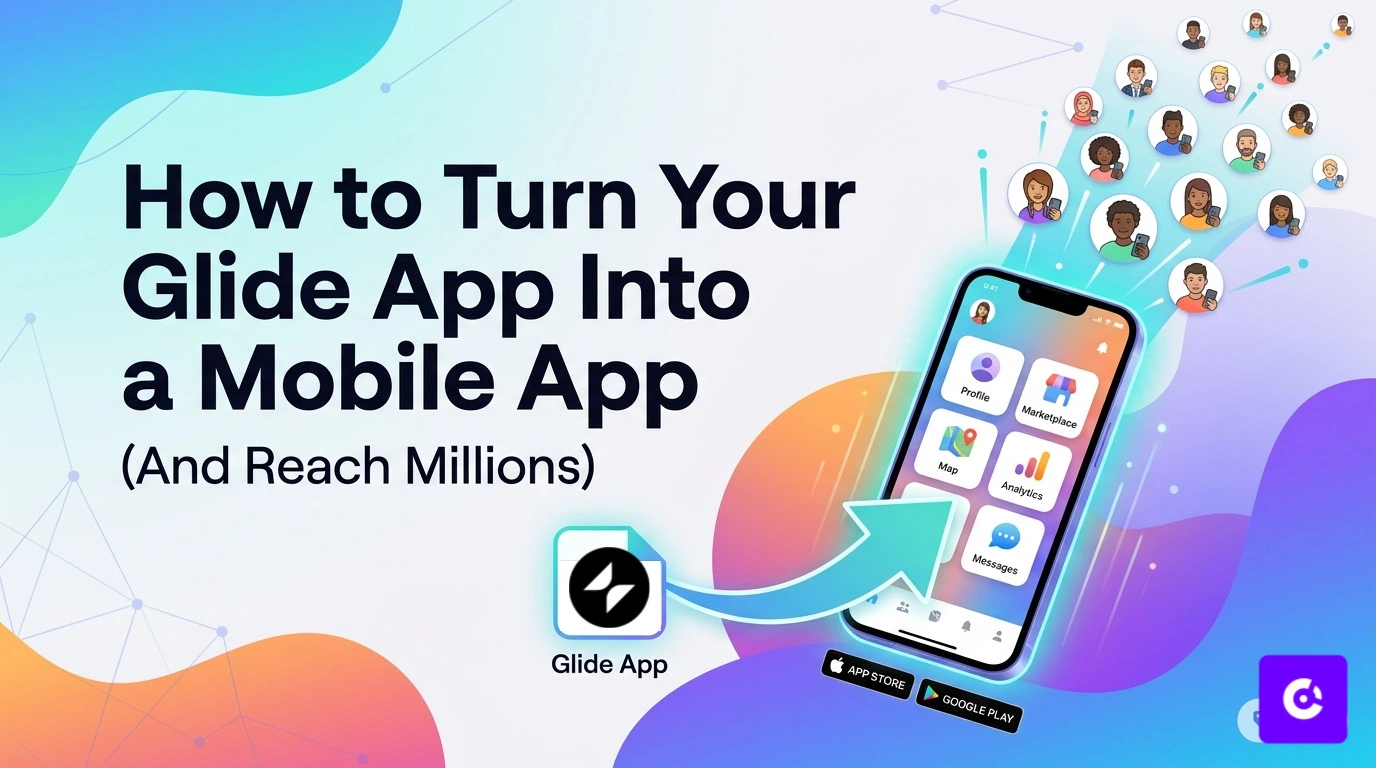
Glide makes it incredibly easy to build a web app — but Glide apps live in the browser, which limits their reach. If you want a real home-screen icon, push notifications, and a listing on the App Store and Google Play, you need to turn your Glide app into a native mobile app. Here's how, and why it can dramatically expand your audience.
Why publish your Glide app to the app stores?
A Glide app shared as a link depends on people bookmarking a URL. A native app gives you a home-screen presence, reliable push notifications, offline access, and — crucially — discoverability in the app stores, where billions of users search for apps. That's a growth channel a browser-based Glide app simply can't reach.
How to turn your Glide app into a native app
You don't need to rebuild anything in Swift or Kotlin. A website-to-app converter wraps your published Glide app in a native shell:
- Publish your Glide app and copy its URL.
- Paste the URL into a no-code converter like Glideep.
- Add your icon, splash screen, native onboarding and home screen.
- Generate signed iOS and Android builds and submit to the stores.
See the full walkthrough on our dedicated Glide to app page, or the general website-to-app guide.
What your Glide app gains
Wrapping your Glide app adds the native capabilities it's missing: push notifications to re-engage users, biometric login, offline cache, and deep links. It also passes App Store review because it ships with a genuine native layer — not just a wrapped page (more on that in our App Store 4.2 guide).
Reaching more users
Once you're on the stores, growth compounds: app-store search brings new users, push notifications bring them back, and a home-screen icon keeps you top of mind. Pair it with ASO and you've turned a link-based Glide app into a discoverable, re-engageable product.
Which Glide apps work best as mobile apps
Almost any Glide app benefits from going native, but some see the biggest jump: internal tools and client portals (staff and clients love a home-screen icon), directories and marketplaces (push drives repeat visits), community and membership apps (notifications keep members engaged), and booking or service apps (reminders reduce no-shows). If your Glide app is something people return to regularly, a native app with push will move your engagement numbers.
Tips for a smooth Glide-to-app launch
- Design mobile-first — make sure your Glide layout looks great at phone width before wrapping it.
- Test on a real device — preview the app on your phone before you build.
- Brand it properly — a clean icon, splash screen and native onboarding make it feel like a real product (and help it pass App Store review).
- Enable push and deep links — these are the features that drive return visits, so turn them on from the start.
- Add a privacy policy — both stores require one; link it in your Glide app and store listing.
Once you're live, focus on growth: optimise your listing with ASO and bring users back with push notifications.
FAQ
Can I publish a Glide app to the App Store?
Yes. Use a no-code converter to wrap your published Glide app in a native iOS and Android app, then submit it to the App Store and Google Play.
Do I need to code to convert my Glide app?
No. The process is fully no-code — paste your Glide app URL, customise, and publish.
Will my Glide app get push notifications?
Yes. Converting it into a native app adds push notifications, which Glide web apps can't reliably deliver on iOS.
Ready to build your app?
Turn your website into a native iOS & Android app in minutes — no code, no Mac needed.
Start for free →